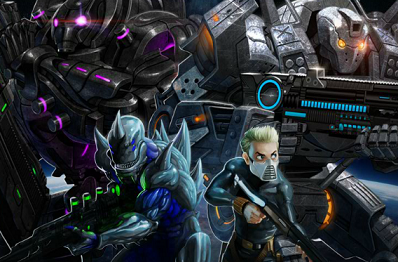
Alien Soldier (エイリアンソルジャー?) is a side-scrolling run and gun video game developed by Treasure for the Sega Mega Drive. Th
Read moreAlien Soldier (エイリアンソルジャー?) is a side-scrolling run and gun video game developed by Treasure for the Sega Mega Drive. The game was released in Japan and Europe, but not physically in the US (one of the few to be released in this pattern), but it can be rather expensive due to its rarity in either region. The game was playable in America on the Sega Channel cable service and has been reissued for PlayStation 2 as part of the Sega Ages Treasure Box disc. The Sega Ages version, whose disc also includes Treasure's Gunstar Heroes and Dynamite Headdy, exceeds the Mega Drive's intrinsic sprite display limit, which eliminates slowdowns or missing graphics during busy scenes (e.g. boss fights with many explosions). Also, the player can select either the sprite-based pixelated graphics of the original game or a new mode that uses certain filters to produce a high-resolution look. The game was re-released again on the Nintendo Wii's Virtual Console download service in Japan on October 9, 2007, in Europe on November 2, 2007, and North America debut on November 5, 2007. The game is listed in Guinness World Records Gamers Edition 2010 under the category "Most boss battles in a run and gun game". The catchphrases seen on the title screen, "FOR MEGADRIVERS CUSTOM" and "VISUALSHOCK! SPEEDSHOCK! SOUNDSHOCK! NOW IS TIME TO THE 68000 HEART ON FIRE!", describe the game's technical prowess for the Mega Drive hardware, at the core of which is the Motorola 68000 CPU.